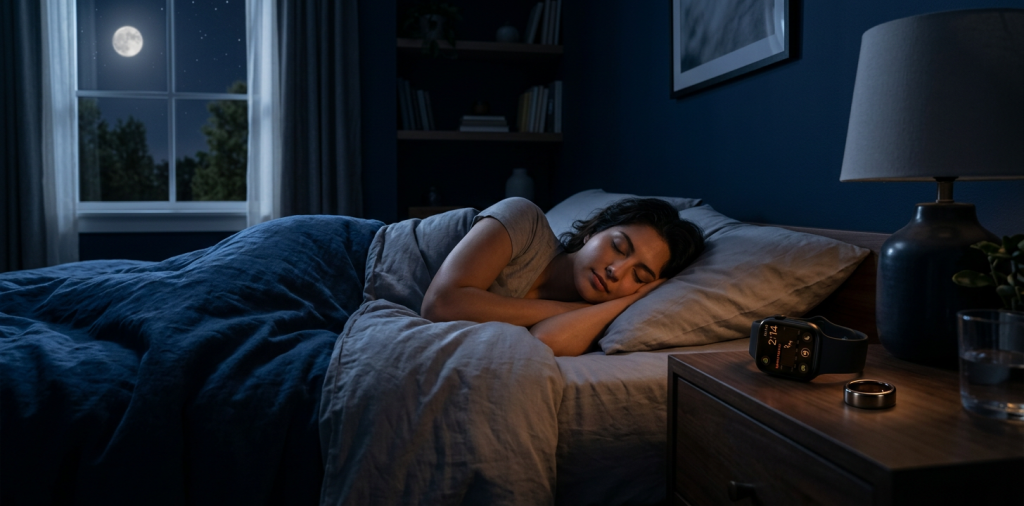
A sleep tracker is most useful when it helps us notice a pattern, not when it gives us another score to worry about. The right app can reveal whether late workouts, inconsistent bedtimes, alcohol, stress, or a warm bedroom are affecting how rested we feel the next morning.
The best sleep tracking apps combine understandable nightly data with trends we can act on. They should fit the devices we already own, make routine-building easier, and avoid pretending to diagnose a sleep disorder from a single night of data.
According to the National Center for Health Statistics, 30.5% of U.S. adults slept less than seven hours per day in 2024. That makes a simple, repeatable view of our sleep duration and schedule valuable, especially when we use it to make small changes over several weeks.
Our Quick Comparison of Sleep Tracking Options
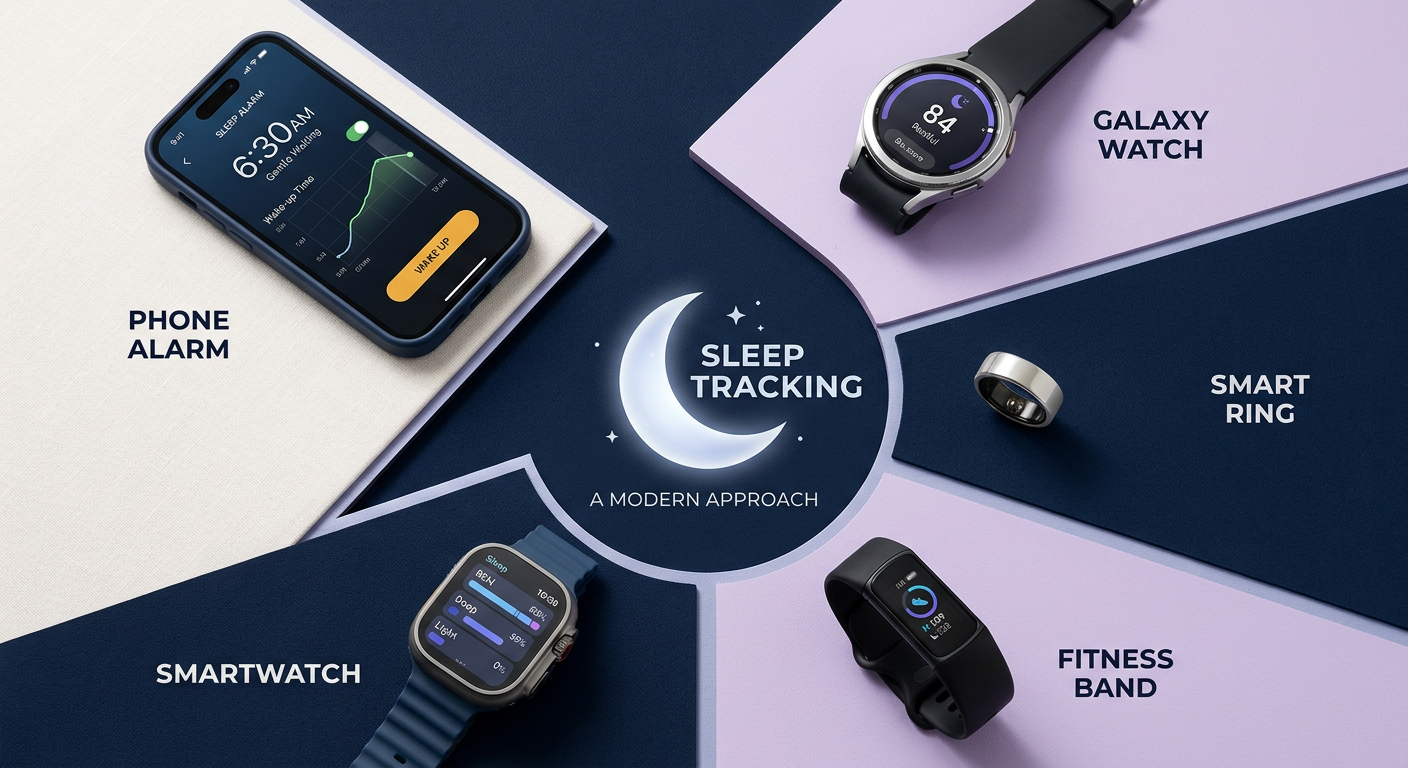
| App | Best For | What It Tracks Well | Main Tradeoff |
|---|---|---|---|
| Apple Health and Sleep | Apple Watch owners | Schedule, stages, heart rate | Apple-only ecosystem |
| Fitbit and Google Health | Fitness-focused Android users | Sleep stages, trends, coaching | Best insights may require Premium |
| Oura | Recovery-minded users | Sleep quality, readiness, timing | Ring purchase and membership |
| Samsung Health | Galaxy users | Sleep coaching, energy context | Strongest with Galaxy hardware |
| Sleep Cycle | Phone-only simplicity | Bedtime patterns, smart alarm | Less biometric detail |
What We Looked For Before Naming the Best Sleep Tracking Apps
We prioritized practical usefulness over a long list of flashy metrics. A strong sleep-monitoring app should make it easy to answer a few meaningful questions: How long did we sleep? Was our bedtime consistent? Did we wake often? How does this week compare with our usual baseline?
We also favor tools that connect sleep with everyday habits. For fitness enthusiasts, that may mean recovery context after hard training. For people improving happiness and mindfulness, it may mean recognizing that a later bedtime repeatedly produces a lower-energy morning. The best app is the one we will actually wear or open consistently.
It is important to keep expectations realistic. Consumer wearables estimate sleep using movement, heart rate, and related signals, while clinical sleep studies measure a much broader set of physiological data. A 2026 systematic review found that wearables can be useful for long-term self-tracking, but their performance varies too much to treat them as standalone diagnostic tools for sleep stages or disorders. Read the systematic review in Behavioral Sleep Medicine for the full findings.
Apple Health and Sleep, Best for Apple Watch Owners
Apple’s built-in Sleep experience is the most sensible choice for people who already sleep in an Apple Watch. We can set a sleep goal and schedule, review time asleep, see awake, REM, Core, and Deep stages, and compare overnight heart rate and respiratory rate within the Health app.
Apple states that sleep-stage data requires wearing the watch for at least one hour, and the platform works best when the watch is adequately charged and fitted comfortably. Its strength is simplicity: rather than adding another subscription or app, we get a clean record of our habits inside the ecosystem we already use. Details are available in Apple’s sleep tracking guide.
Who should choose it
Choose Apple Health and Sleep if we want reliable habit tracking, own an Apple Watch, and prefer a built-in tool over a specialized recovery platform. It is especially useful for watching bedtime consistency, total sleep, and longer-term changes after we adjust a routine.
Its limitation is that the interpretation is relatively light. Athletes seeking deeper recovery coaching or users who prefer an unobtrusive ring may want a different option.
Fitbit and Google Health, Best for Fitness Trends and Coaching
Fitbit’s sleep tools, now managed through Google Health, are a good fit for people who want sleep in the context of workouts, daily movement, and recovery. Compatible heart-rate devices can automatically log sleep, estimate stages, show a sleep score, and provide benchmarks against our own recent data.
The platform is particularly strong for people who want to create a more consistent routine. It includes sleep goals and schedules, bedtime reminders, and Smart Wake on supported devices. Google Health explains that the system uses movement and heart-rate patterns to estimate sleep, which makes it more useful for trends than for obsessing over a single night’s stage chart. Learn more in the official Google Health sleep tracking documentation.
Who should choose it
We recommend Fitbit and Google Health for runners, gym-goers, and Android users who want one dashboard for activity and sleep. Premium can add deeper sleep insights and coaching, so it is worth checking which features are included with the device before committing.
Oura, Best for Recovery and Sleep Regularity
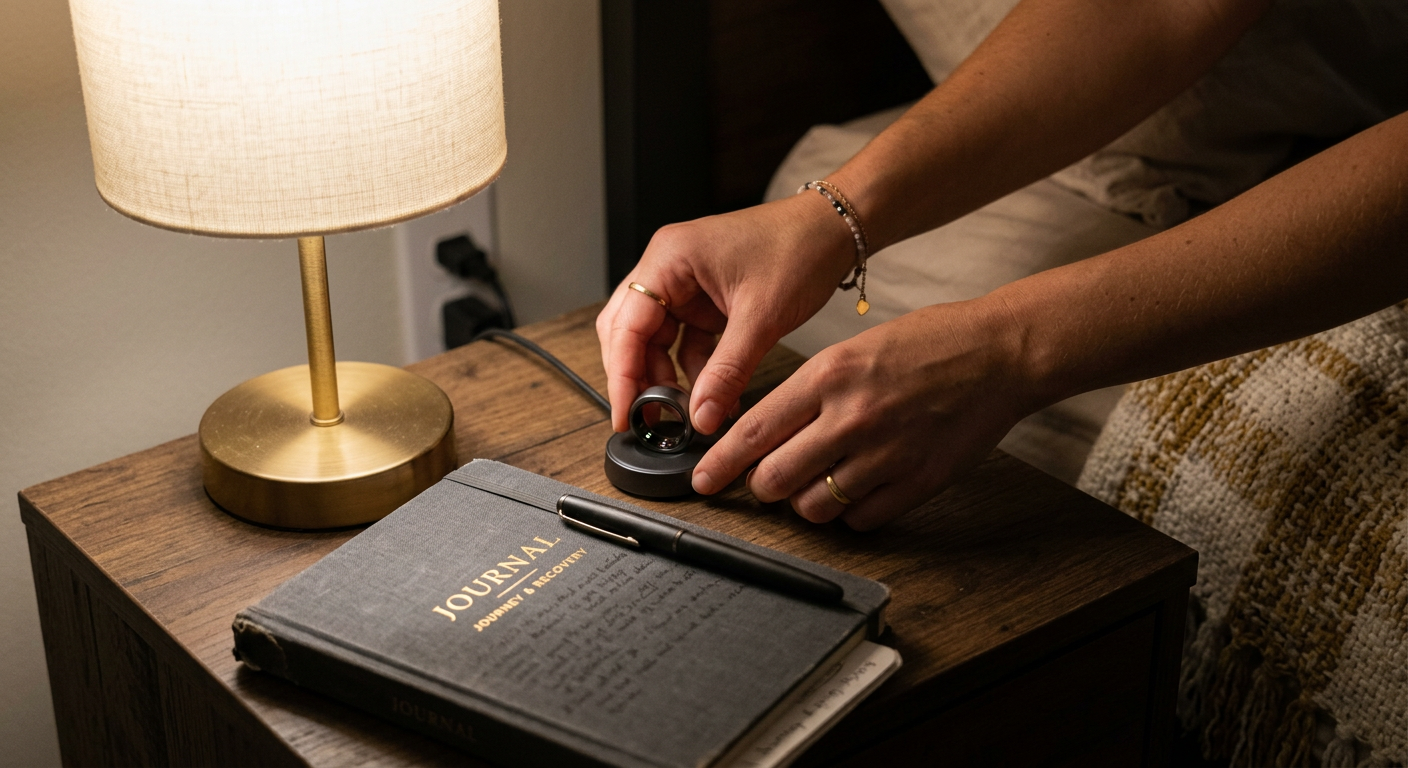
Oura is a standout choice when recovery is the main goal and wearing a watch overnight feels uncomfortable. Its ring format is discreet, and its app connects sleep duration, timing, restfulness, heart rate, heart-rate variability, temperature trends, and activity into Sleep and Readiness scores.
Oura’s sleep score considers factors such as total sleep, efficiency, latency, timing, restfulness, and sleep stages. Its broader readiness view is valuable for active people because it encourages us to interpret training load alongside recovery instead of treating exercise and sleep as separate projects. Oura explains its scoring inputs in its Sleep Score guide.
Who should choose it
Choose Oura if we value comfort, recovery context, and longer-term behavior patterns. It is a premium option, so it makes the most sense when we will regularly use the insights to guide bedtime habits, rest days, and training intensity.
A useful approach is to establish a baseline first. By Day 4 of wearing the ring, we should avoid changing everything at once. Instead, note the recurring signals, then test one adjustment, such as moving caffeine earlier or keeping a steadier wake time, for the next week.
Samsung Health, Best for Galaxy Watch and Galaxy Ring Users
Samsung Health is the natural recommendation for people already using a Galaxy Watch or Galaxy Ring. It can bring sleep information together with heart rate, blood oxygen readings, snoring data when supported, skin temperature, and an Energy Score that adds daily context.
The app also includes sleep targets and coaching designed to help users build healthier routines. Samsung notes that the precise mix of available information depends on the hardware, so we should verify compatibility before relying on a particular feature. Its Samsung Health support page provides device-specific guidance.
Who should choose it
Samsung Health is best for Galaxy users who want a native app that makes sleep part of a wider wellness dashboard. It is less compelling if we use an iPhone or prefer a platform with more cross-device flexibility.
Some compatible devices offer notifications related to possible sleep-related breathing issues. Those alerts can be a helpful prompt to talk with a clinician, but they are not a diagnosis. If we have loud snoring, repeated gasping, severe daytime sleepiness, or safety concerns such as drowsy driving, professional medical evaluation matters more than any app result.
Sleep Cycle, Best for a Simple Phone-Only Start
Not everyone wants to sleep in a watch or ring. Sleep Cycle is a practical choice for someone who wants a lighter, lower-commitment way to begin monitoring bedtime patterns and wake up with a smart alarm.
The app uses audio-based tracking from a phone placed near the bed, making it appealing for people who want to focus on sleep timing and routines rather than biometric data. It is also a useful experiment before buying a wearable, particularly if our central question is simply, “Am I keeping a consistent schedule?”
Who should choose it
We recommend Sleep Cycle for beginners, minimalist users, and anyone who dislikes wearing hardware overnight. The tradeoff is clear: a phone-based app cannot provide the same depth of overnight physiological data as a device on the wrist or finger.
How to Use Sleep Data Without Letting It Run Your Life
More data is not always better. Sleep apps are most helpful when we use them to test one practical hypothesis at a time, rather than repeatedly checking whether every stage percentage looks perfect.
Try this simple weekly routine:
- Review total sleep time and bedtime consistency once each week.
- Identify one pattern, such as short sleep after evening work or restless nights after late meals.
- Change one variable for seven days.
- Note how rested we feel alongside the app’s data.
- Keep the habit only if it improves both the numbers and our real-world energy.
This approach protects us from “orthosomnia,” the tendency to become overly focused on achieving perfect tracker results. Our goal is better rest and a more sustainable routine, not a flawless score.
Frequently Asked Questions
Are sleep tracking apps accurate?
They can be useful for estimating sleep duration, timing, and broad patterns over time. Their sleep-stage estimates are less precise than a clinical sleep study, so we should use them for self-awareness and habit experiments rather than diagnosis.
Which sleep tracker is best if we do not want to wear a watch?
Oura is often the most comfortable wearable alternative because it is a ring. If we do not want to wear any device, Sleep Cycle offers a phone-based option focused on patterns and alarms.
Can a sleep app diagnose sleep apnea or insomnia?
No consumer sleep app should replace a clinician’s assessment. Some compatible devices can flag possible signs that warrant follow-up, but persistent symptoms such as loud snoring, breathing pauses, insomnia, or significant daytime sleepiness deserve medical attention.
Do we need a paid subscription for useful sleep data?
Not always. Apple Health and Samsung Health provide meaningful built-in tracking for compatible devices. Fitbit and Oura can offer more advanced insights through paid features, so the value depends on whether we will act on the added coaching and trend analysis.
Should we focus on deep sleep and REM sleep?
We should treat stage estimates as supporting information, not a nightly grade. Total sleep time, a regular schedule, how rested we feel, and changes from our personal baseline generally provide more actionable insight.
What is the best first change to make after tracking sleep?
Start with schedule consistency. Setting a realistic wake time and keeping it steady most days gives us a stable foundation for evaluating other habits, including caffeine timing, evening light exposure, exercise, and stress-management practices.
Build a Healthier Sleep Routine With Useful Information
Better sleep rarely comes from finding a perfect app. It comes from noticing the habits that consistently help us fall asleep, stay asleep, and feel capable the next day.
For most people, Apple Health, Fitbit and Google Health, Oura, Samsung Health, and Sleep Cycle are the best sleep tracking apps because each serves a different real-world need. Pick the platform that matches our device preferences and budget, track patterns for a few weeks, then make one manageable improvement at a time.
Keep Learning, One Better Habit at a Time
We can turn health questions into practical, evidence-minded habits without making wellness feel overwhelming. Visit ContentBeast for clear articles on sleep, mindfulness, fitness, personal finance, pet care, and everyday well-being, then choose one useful idea to put into practice this week.